
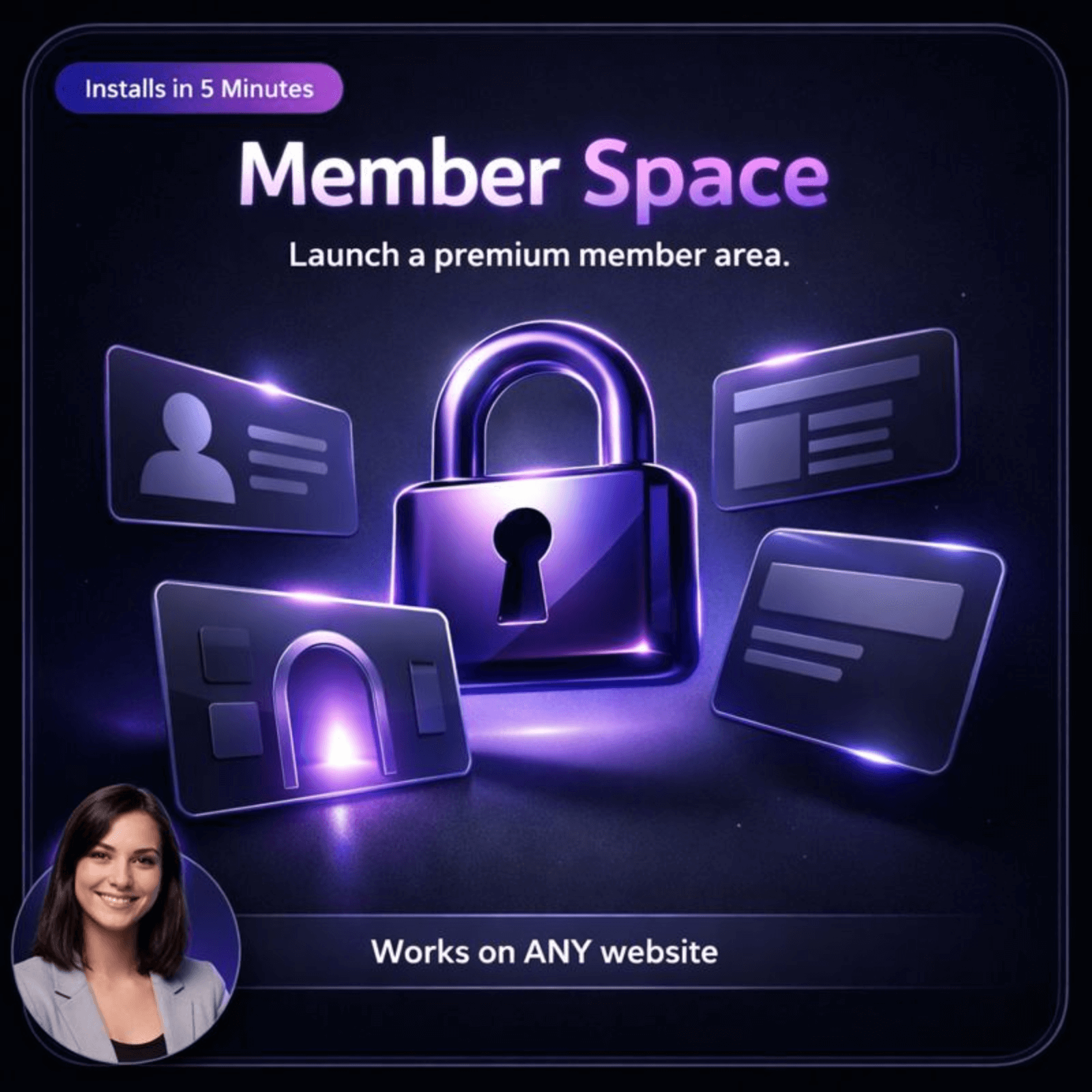
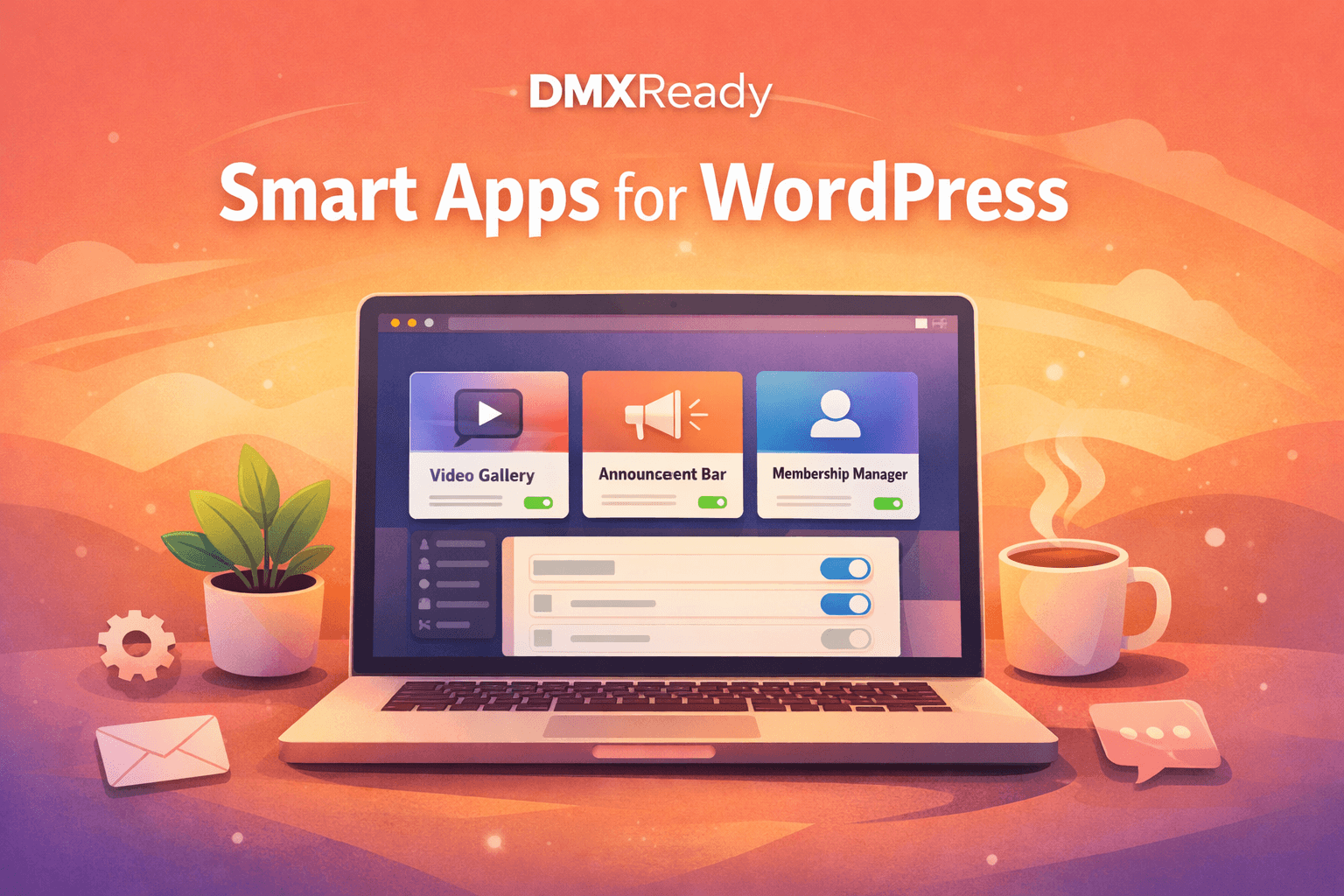
This app should make the offer, comparison, and next step easier to understand than a generic landing page or form.
Why it feels more helpful
Use the portal to make the member experience easier to navigate from the first visit.
Use one calm, useful space to show members what is available, what is new, and where to go when they need help or resources.
Before: The page leaves visitors with too many unanswered questions.
After: Use the portal to make the member experience easier to navigate from the first visit.
What ships with itPortal layout · Updates/feed · Resources block · Optional announcements
What it helps you do
What Member Space helps you do
Organize member content into clearer sections so people know where to go next.Reduce confusion with cleaner entry points for courses, resources, downloads, and support paths.Keep the member experience easier to scan on mobile without losing structure.Give admins one place to update sections, labels, featured resources, and calls to action.Preview both the visitor/member experience and the admin setup flow before you publish.Use the same hosted embed across WordPress, Webflow, Shopify, Wix, and static sites.
Best fit
Best fit for teams that need a cleaner path from interest to action.
Membership sitesBest for teams that need this job handled with less friction and a clearer next step.Course creatorsBest for teams that need this job handled with less friction and a clearer next step.CommunitiesBest for teams that need this job handled with less friction and a clearer next step.AgenciesBest for teams that need this job handled with less friction and a clearer next step.
Launch model
Start hosted first.
Review the live surface first, add the app to a project, and deploy later with credits. 1 credit = 1 app on 1 site for 1 month.
Works on your current sitePreview before launchOwner controls later
Good metrics to watch: Member signups · Weekly active members · Resource clicks per session · 30-day return rate
Preview the visitor experience, then add Member Space to the project only if it fits the job.
Upgrade without rebuildingAdd a sharper contact experience without replacing the rest of your site.Hosted firstStart with the live surface, validate fit, and deploy only when ready.Deeper control laterTune prompts, routing, and owner settings after the public value is clear.
Works with your current website. Start small, validate fit, and go deeper only when it is worth it.
Common questions
Questions people ask before they move.
What belongs in a member area?
Resources, updates, event links, support paths, and any recurring actions members need to take.
Should a member area be complex?
No. It usually works better when the main actions are obvious and the layout stays calm.
Can this work for clients as well as members?
Yes. A private client resource area follows many of the same usability rules.
How do I keep it useful over time?
Update the featured tiles and announcements so the area reflects what matters right now.
Advanced WordPress path
Optional source-code lane for teams that specifically want WordPress code ownership.Review WordPress path
WordPress source-code path
Hosted stays front and center. Review Download Path when you specifically want code ownership, client handoff flexibility, or deeper custom implementation on your own stack.
Best forTeams that need ownership and deeper customization beyond the hosted lane.
BillingSeparate checkout path. Hosted credits are not used here.
FormatsDownload Path
NoteAdvanced ownership and customization lane. Hosted comes first. Unlock download access with 8 credits per app.