
DMXReady Smart App

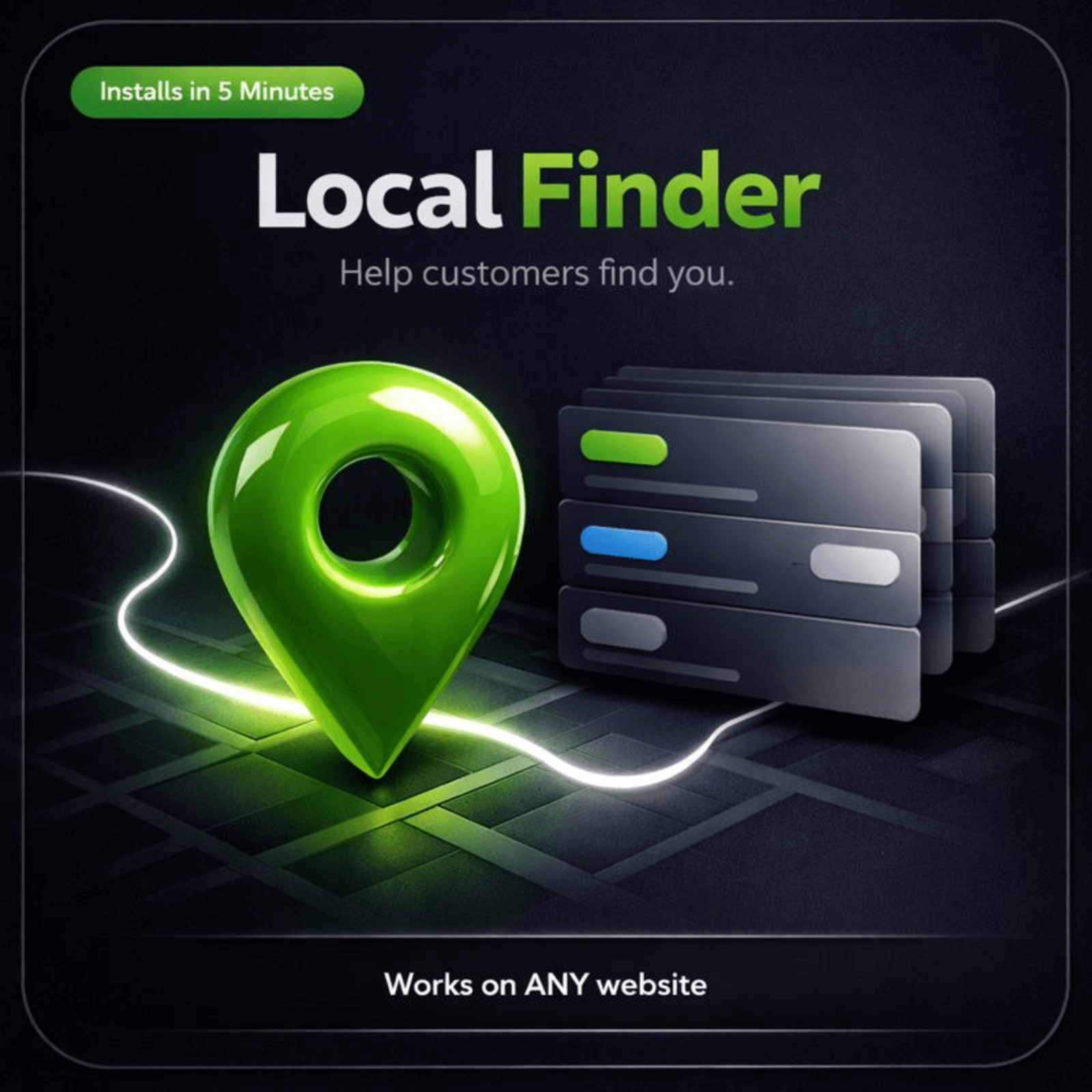
Local Finder

Help visitors find the right local location, service area, or nearby option faster with a cleaner discovery flow.

Hosted-first lanePreview before commitDeploy later with credits
Local Finder cover

Start with the public experience.

Review what the visitor sees first, then move into setup only when the fit is clear.

Live proof

See the visitor experience live.

Start with the public experience first. Review the operator side only after the fit is clear.

Visitor AppWhat a visitor sees on a phone
Journey surface

What makes Local Finder feel smoother

This app should reduce confusion, dead ends, and extra back-and-forth. The surface below explains the practical value clearly.

Why it feels more helpful
  • Use the directory to help visitors choose faster instead of guessing from a long list.
  • Use a clean directory to organize places, services, or listings so people can search, compare, and choose with less uncertainty.
  • Before: The page leaves visitors with too many unanswered questions.
  • After: Use the directory to help visitors choose faster instead of guessing from a long list.
What ships with itDirectory list · Listing details · Map section · Hours section
What it helps you do

What Local Finder helps you do

Show nearby locations, territories, or service areas in one cleaner searchable experience.
Make it easier for visitors to compare options and choose the best local fit faster.
Reduce confusion with clearer location details, filters, and next-step calls to action.
Keep the finder mobile-ready for on-the-go visitors looking for nearby help or availability.
Give admins one place to update locations, details, featured notes, and routing links.
Preview both the public finder flow and the admin setup before you publish.
Best fit

Best fit for teams that need a cleaner path from interest to action.

Local brandsBest for teams that need this job handled with less friction and a clearer next step.
Multi-location teamsBest for teams that need this job handled with less friction and a clearer next step.
AgenciesBest for teams that need this job handled with less friction and a clearer next step.
Service businessesBest for teams that need this job handled with less friction and a clearer next step.
Launch model

Start hosted first.

Review the live surface first, add the app to a project, and deploy later with credits. 1 credit = 1 app on 1 site for 1 month.

Works on your current sitePreview before launchOwner controls later

Good metrics to watch: Search-to-click rate · Directions or contact clicks · Hours-related questions avoided · Help-form submissions

Operator view

Manage prompts, routing, and launch settings after the fit is clear.

Use the operator side to tune the experience after the buyer-facing value is clear.

Owner SettingsOverview, Editor, Settings, and Help
Next step

See the fit first. Launch when ready.

Preview the visitor experience, then add Local Finder to the project only if it fits the job.

Upgrade without rebuildingAdd a sharper contact experience without replacing the rest of your site.
Hosted firstStart with the live surface, validate fit, and deploy only when ready.
Deeper control laterTune prompts, routing, and owner settings after the public value is clear.

Works with your current website. Start small, validate fit, and go deeper only when it is worth it.

Final close image
Common questions

Questions people ask before they move.

What is this best for?
Local services, attractions, events, curated partners, business directories, and “best of” style listings all fit well.
Should every listing be detailed?
Only enough to help someone decide whether it is worth opening for more information.
Do I need a map?
A map can help, but short, useful listing cards often do more of the early decision work.
How should categories be organized?
Use terms your visitors already think in when they search for local options.
Advanced WordPress path
Optional source-code lane for teams that specifically want WordPress code ownership.Review WordPress path