
DMXReady Smart App

Event Flow

Create a clearer event signup flow with the right details, confirmations, and next steps in one place.

Hosted-first lanePreview before commitDeploy later with credits
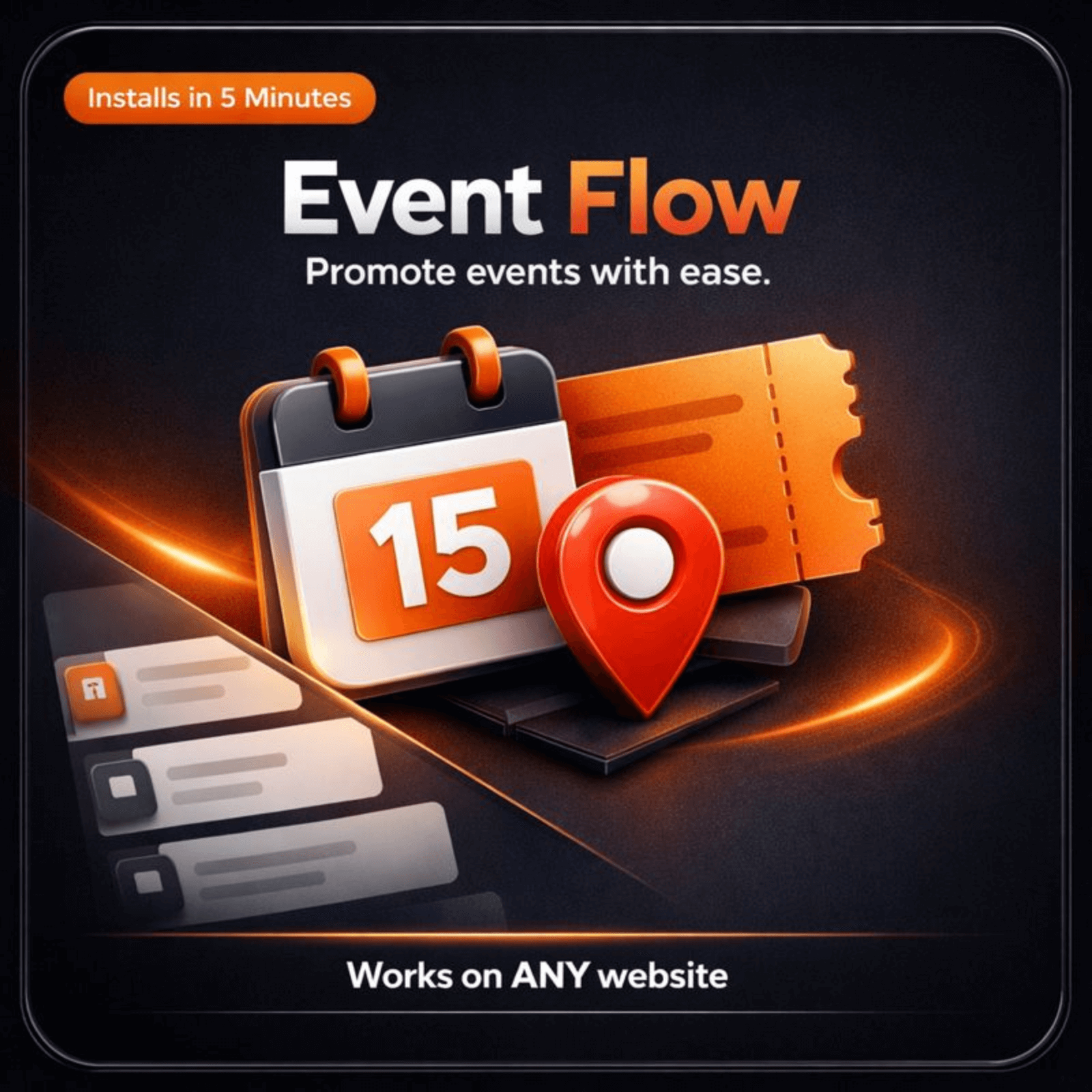
Event Flow cover

Start with the public experience.

Review what the visitor sees first, then move into setup only when the fit is clear.

Live proof

See the visitor experience live.

Start with the public experience first. Review the operator side only after the fit is clear.

Visitor AppWhat a visitor sees on a phone
Journey surface

What makes Event Flow feel smoother

This app should reduce confusion, dead ends, and extra back-and-forth. The surface below explains the practical value clearly.

Why it feels more helpful
  • Share your details and we will confirm the event information and next steps.
  • Put the details that matter in one place so visitors can quickly understand the event, the schedule, and how to register or show up prepared.
  • Before: The page leaves visitors with too many unanswered questions.
  • After: Share your details and we will confirm the event information and next steps.
What ships with itEvent list · Schedule section · Location section · RSVP form
What it helps you do

What Event Flow helps you do

Guide visitors from event overview to registration with one cleaner story and one stronger call to action.
Collect the right attendee details up front so your team spends less time cleaning up signups later.
Handle schedules, formats, dates, and what-to-expect notes in a layout that stays easy to scan.
Use stronger confirmation and reminder copy so attendees know the next step after they register.
Keep the experience mobile-ready for event traffic coming from phones and social links.
Preview both the public signup flow and the admin setup before you publish.
Best fit

Best fit for teams that need a cleaner path from interest to action.

Event teamsBest for teams that need this job handled with less friction and a clearer next step.
CommunitiesBest for teams that need this job handled with less friction and a clearer next step.
AgenciesBest for teams that need this job handled with less friction and a clearer next step.
Service brandsBest for teams that need this job handled with less friction and a clearer next step.
Launch model

Start hosted first.

Review the live surface first, add the app to a project, and deploy later with credits. 1 credit = 1 app on 1 site for 1 month.

Works on your current sitePreview before launchOwner controls later

Good metrics to watch: RSVP / info requests · Event CTA clicks · Questions per attendee (manual) · Time saved answering basics

Operator view

Manage prompts, routing, and launch settings after the fit is clear.

Use the operator side to tune the experience after the buyer-facing value is clear.

Owner SettingsOverview, Editor, Settings, and Help
Next step

See the fit first. Launch when ready.

Preview the visitor experience, then add Event Flow to the project only if it fits the job.

Upgrade without rebuildingAdd a sharper contact experience without replacing the rest of your site.
Hosted firstStart with the live surface, validate fit, and deploy only when ready.
Deeper control laterTune prompts, routing, and owner settings after the public value is clear.

Works with your current website. Start small, validate fit, and go deeper only when it is worth it.

Final close image
Common questions

Questions people ask before they move.

What should be on an event page?
At minimum: the value of attending, the date and time, the location or access details, and one clear next step.
Can this work for virtual events?
Yes. The same structure works for online events as long as access instructions are clear.
What if space is limited?
Use the CTA and confirmation copy to set expectations around registration and capacity.
Should the agenda be detailed?
Only enough to help people understand the flow and decide whether the event fits.
Advanced WordPress path
Optional source-code lane for teams that specifically want WordPress code ownership.Review WordPress path