
DMXReady Smart App

Lead Flow

Use a guided inquiry flow to collect better project details before your team ever follows up.

Hosted-first lanePreview before commitDeploy later with credits
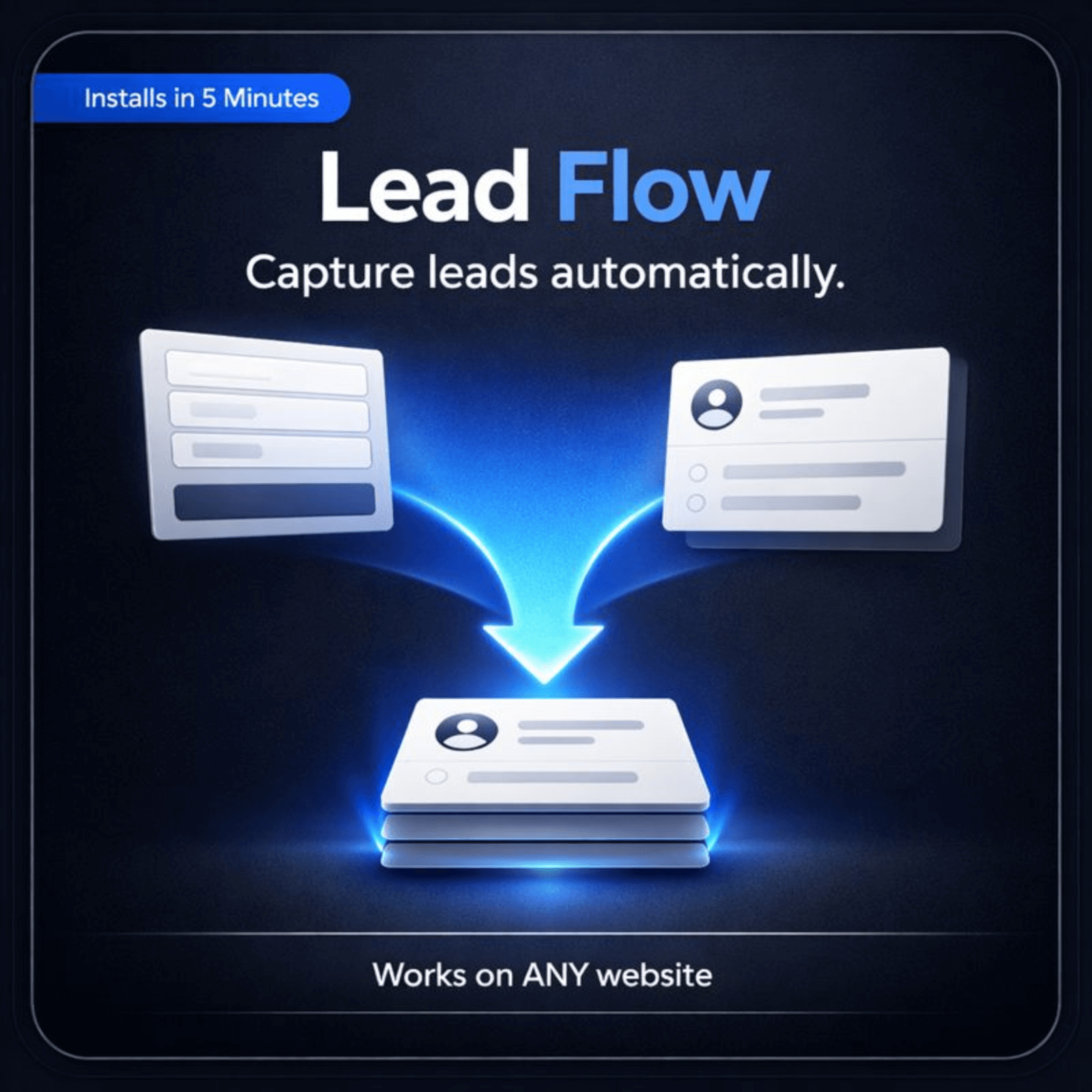
Lead Flow cover

Start with the public experience.

Review what the visitor sees first, then move into setup only when the fit is clear.

Live proof

See the visitor experience live.

Start with the public experience first. Review the operator side only after the fit is clear.

Visitor AppWhat a visitor sees on a phone
Conversion surface

Why Lead Flow feels more decisive

This app should make the offer, comparison, and next step easier to understand than a generic landing page or form.

Why it feels more helpful
  • A few useful details now make the follow-up faster and more relevant later.
  • Use a focused lead flow to collect the right context, reduce junk submissions, and make the handoff into follow-up smoother.
  • Before: The page leaves visitors with too many unanswered questions.
  • After: A few useful details now make the follow-up faster and more relevant later.
What ships with itLead form · Qualification questions · Confirmation message · Optional steps display
What it helps you do

What Lead Flow helps you do

Guide visitors through a clear inquiry flow instead of dropping them into one generic contact form.
Collect service, budget, timeline, and intent details before the request reaches your team.
Use smart routing logic so the right next step appears based on the visitor's answers.
Improve completion rates with a cleaner multi-step layout that feels easier than one long form.
Give admins one place to update labels, validation rules, routing, and follow-up copy.
Preview both the visitor flow and the live admin settings before you publish your own copy.
Best fit

Best fit for teams that need a cleaner path from interest to action.

Service businessesBest for teams that need this job handled with less friction and a clearer next step.
AgenciesBest for teams that need this job handled with less friction and a clearer next step.
Sales teamsBest for teams that need this job handled with less friction and a clearer next step.
ConsultantsBest for teams that need this job handled with less friction and a clearer next step.
Launch model

Start hosted first.

Review the live surface first, add the app to a project, and deploy later with credits. 1 credit = 1 app on 1 site for 1 month.

Works on your current sitePreview before launchOwner controls later

Good metrics to watch: Step completion rate · Qualified lead rate · Form completion rate · Time saved on follow-up

Operator view

Manage prompts, routing, and launch settings after the fit is clear.

Use the operator side to tune the experience after the buyer-facing value is clear.

Owner SettingsOverview, Editor, Settings, and Help
Next step

See the fit first. Launch when ready.

Preview the visitor experience, then add Lead Flow to the project only if it fits the job.

Upgrade without rebuildingAdd a sharper contact experience without replacing the rest of your site.
Hosted firstStart with the live surface, validate fit, and deploy only when ready.
Deeper control laterTune prompts, routing, and owner settings after the public value is clear.

Works with your current website. Start small, validate fit, and go deeper only when it is worth it.

Final close image
Common questions

Questions people ask before they move.

What makes a lead form better?
A better lead form asks for the information that helps you qualify and reply, without turning the page into a long application.
Should I ask many questions?
Only the questions that genuinely improve follow-up. More fields are not always better.
Can this connect to my process later?
Yes. The structure works well whether the handoff goes to email, a CRM, or a spreadsheet.
What happens after someone submits?
The page should confirm what comes next and set a realistic expectation for response.
Advanced WordPress path
Optional source-code lane for teams that specifically want WordPress code ownership.Review WordPress path